Debugging a Slowly Changing Dimension That Stopped Changing
Change detection stops silently when history isn't being written.

A slowly changing dimension that stops changing needs a different kind of debugging from a failed load. Successful runs do not prove that history is being captured. The diagnostic path is to confirm that source changes are missing, then trace them through the source schema, change detection, and write logic. Reliability depends on watching that path and the job that runs it.
Why a frozen SCD is a harder problem than a broken one
A pipeline dashboard is green, but the dimension it serves has not updated in weeks. Loads succeed, row counts look normal, and nothing triggers an alert. Meanwhile, a customer is still in the wrong territory, a product still has the wrong category, or an account shows the wrong tier. These records look plausible because the failure leaves data in place and produces no error.
Fact records can keep joining to the old dimension row through the same surrogate key, and nothing in the join shows that the data is stale. Proving that a job ran does not prove that its data is correct, complete, and on time.
What SCD Type 2 must do correctly for change to be detected at all
SCD Type 2 records a tracked attribute change through a two-step write. It closes the current row by setting effective_to and making is_current false, then inserts a new row with the updated values. The natural key stays the same across versions, but each version gets its own surrogate key. Fact tables reference that surrogate rather than the natural key, so correct history depends on the close-and-insert cycle. Type 1, by contrast, overwrites values in place and preserves no history.
These mechanics make the failure visible through stalled effective_from advancement and missing history growth despite source activity. The three implementation paths, namely hand-rolled MERGE statements, dbt snapshots, and declarative CDC, place the logic in different parts of the system. The search for the cause thus has three branches: the input feed, the change indicator, and the execution logic.
Root cause one: schema drift in the source silently breaks the change-detection feed
The first branch begins upstream, where a source change can remove the information the SCD needs without stopping ingestion. Consider a CRM product update that renames updated_at to modified_timestamp. If ingestion still expects the old name, it may treat the missing field as null or skip it, find no change, and finish without an error. The same failure can follow an account_tier change from strings to integer codes or the removal of a tracked field.
Compare the current source schema with the schema declared in the ETL configuration, dbt source definition, or CDC connector. A mismatch on the tracked column identifies the broken contract. Then inspect the raw ingestion layer for a sudden rise in nulls on a previously populated attribute. That pattern points to a rename or type change that ingestion did not absorb. Changing the downstream MERGE predicate cannot bring back information that never reached it.
Repair begins at the ingestion layer by updating the schema contract. Backfill the nulled records from the source for the affected window, then add schema-change alerting at the connector or source-definition level. Streamkap's SCD streaming guide explains that CDC streams emit the change events needed for SCD processing. Streamkap handles schema evolution by propagating safe changes or alerting and pausing on breaking changes. When the source schema is treated as a versioned dependency, a change to a tracked column must come with an SCD configuration update before deployment.
Root cause two: a broken or unreliable updated_at timestamp stops change detection without breaking the job
An intact schema does not prove that its change indicator is reliable. A source may still have updated_at but stop updating it when attributes change. A CRM workflow rule that populated the field may have been disabled, or API updates may refresh it while bulk imports do not. In either case, the attribute changes but the timestamp comparison says otherwise. This failure sits in the detection layer.
A dbt snapshot using the timestamp strategy makes the mechanism concrete. It compares the source timestamp with the last-seen value and writes no new version when the timestamp has not advanced. OWOX identifies a business symptom of missing historical updates in its SCD guide. Two dashboards can show different values for the same attribute because one pipeline uses current state while the other uses historical state.
To isolate the failure, query the source for tracked values that differ from the current SCD row, then compare their updated_at timestamps. If a value has changed but its timestamp has not, the change indicator cannot be trusted. The dbt check strategy compares actual column values instead, avoiding timestamp staleness at a higher cost at scale. A checksum computed from tracked attributes can also serve as a change indicator. The repair path is a hybrid approach that uses timestamps first for efficiency, then validates column values where timestamps have not advanced beyond a threshold. Replay the source for the affected window to backfill missed updates.
Root cause three: the SCD pipeline runs but its MERGE logic produces no new rows
When the source values and timestamps are correct, the next suspect is the write logic. Tracked-column comparisons require OR, and joining them with AND is a common error. That predicate requires every tracked attribute to change simultaneously before it recognizes a new version. Ordinary partial changes are skipped, even though the job executes without error. The failure is not an inability to run the statement, but a condition that excludes the records it should process.
A hand-rolled Type 2 MERGE typically matches records on a natural key and drives the closing and insertion of versions. An incorrect or stale key can prevent the WHEN MATCHED clause from firing and, in the affected logic, leave the insert branch unreached. An upstream deduplication window that is too narrow can also collapse legitimate change events into one record that matches the existing version. In both cases, the MERGE receives or selects no candidate that produces new history.
Start by running the MERGE in a dry-run or staging environment against a known changed record. Inspect whether it produces a new row, and compare recent rows-inserted counts with a healthy baseline. Test the closing condition against current dimension rows whose tracked values do not match those in the source. Then isolate the predicate, reproduce the failed case with minimal input, and correct the condition or key. Run a targeted backfill for the affected window and validate that rows inserted return to the baseline level.
How to confirm the SCD has frozen before diagnosing the cause
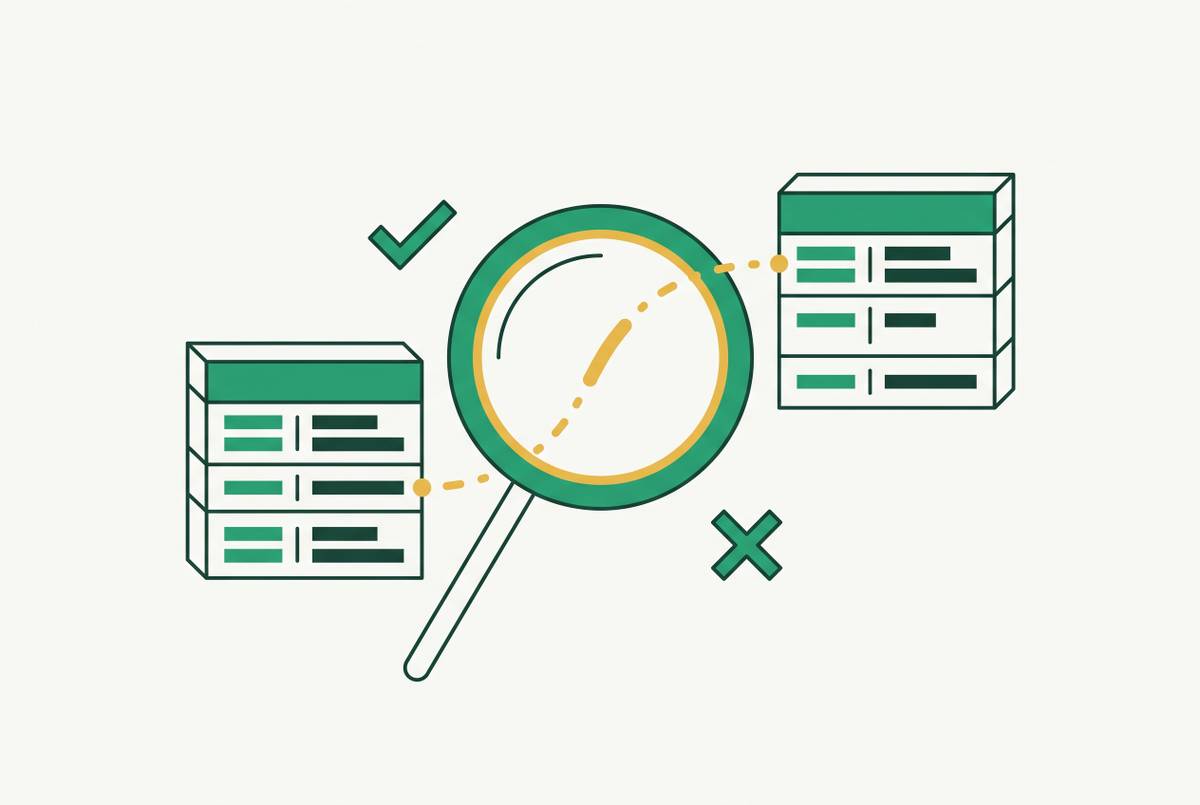
Query SELECT MAX(effective_from) FROM dim_table WHERE is_current = true and compare the result with the expected refresh window. For dbt snapshots, dbt_valid_from provides the corresponding date. A stalled maximum and a flat current-row count during source activity are warning signals, but the decisive comparison is with the source itself. If no tracked attributes changed after that date, the dimension may be correct and the investigation ends.
If the source has changes that are missing from the dimension, check where they were lost. If ingestion shows nulls on the tracked column, investigate schema drift. If ingestion has the correct values but timestamps have not advanced, investigate updated_at. If values and timestamps are correct but the MERGE produces no new rows, investigate pipeline logic. OWOX frames the broader problem as business confusion rather than SQL errors, and this confirmation protocol converts that confusion into a specific technical failure.
Why conventional pipeline monitoring cannot catch a frozen SCD, and what observability signals can
Standard monitoring checks job failures, large row-count anomalies, and null rates on explicitly watched columns. Those checks can catch errors, but none is sure to fire when a dimension keeps loading without creating history. What is missing is evidence of how row versions are distributed and when they are written. A successful run says nothing about whether current rows were superseded when the source changed.
The first direct sign is that the maximum effective_from value on current rows is falling behind. Set an alert when that maximum has not advanced for longer than two refresh cycles. A second signal is the ratio of is_current = false rows to is_current = true rows over time. When the source is known to be active, a ratio that stops growing can reveal missing history without an absolute row-count threshold. A third signal is source-to-dimension lag, measured from a tracked source change to the appearance of its new dimension row. Lag that exceeds the refresh cadence and keeps growing exposes a freeze in progress.
These signals move detection toward the source of the error, where remediation is less costly. The 1-10-100 principle captures that progression from catching a problem before production to repairing it mid-pipeline and recovering after dashboards and AI models consume it. Manual monitoring is feasible for one dimension but does not scale well across dozens of CRM objects, including Account, Contact, Opportunity, Lead, and Case. Each object has its own update cadence and tracked attributes. Agentic data reliability platforms can keep watching these distributions, how dates move forward, and lag across dimension tables. Such monitoring can detect a freeze within one refresh cycle and propose or apply a fix before stale data propagates downstream.
When the SCD model itself is the wrong tool, and what the trade-off actually is
The strongest objection is that some dimensions should not use Type 2 at all. Its proposed alternative is daily date-stamped snapshot appending, with the same daily SQL serving routine processing and historical backfills. Each day's partition runs independently, which simplifies historical queries and recovery. For analytical dimensions derived from pageviews, clicks, or impressions, that is a strong argument when the source is immutable, the team controls the full history, and no compliance requirement applies.
The trade-off changes for operational records that people edit in systems of record. Salesforce accounts, HubSpot contacts, and NetSuite contracts can be corrected retroactively, while audit requirements demand an immutable trail tied to who changed what and when. Daily snapshots are not an equivalent replacement for that class of history. OWOX shows why the history is needed through finance asking for revenue by current product category while product analytics asks for revenue by historical category. For a daily snapshot table to meet both needs at once, the dimension must hold both current and historical attribute values.
This production approach reduces history volume and simplifies the MERGE predicate while preserving the audit trail where it matters.